Instant Replay
Missed it? Save the last 15 seconds of a screen or window with ⇧⌘R.

A capture app for people who actually edit what they record. Plug in a capture card, pick a screen or a window, and hit ⌘R. Drop markers from anywhere with ⌃⌥⌘B, even mid-game. When you stop, Recaptr writes a Final Cut file next to the recording, so your clip opens with every marker already in place.
Free1 and open source. Requires macOS 27 on a Mac with Apple silicon.
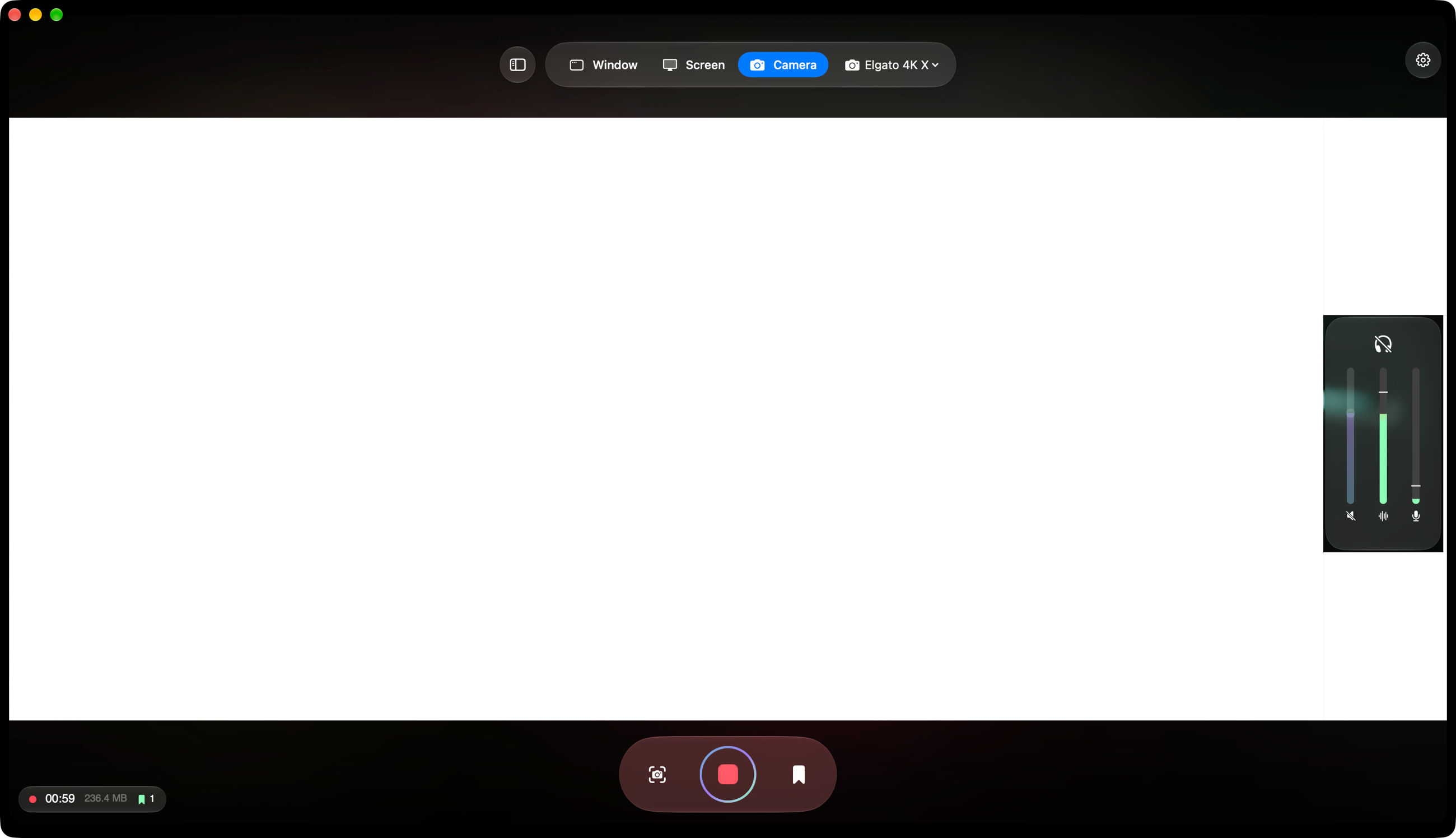
Capture cards, cameras, displays, and single windows. Up to 4K at 60 fps2, HEVC or H.264.
⌘R
Hit a key when something happens. It works from any app, so you never leave the game.
⌘B ⌃⌥⌘B
Every take with markers gets a matching .fcpxml. Double-click it and Final Cut opens the clip with markers in place.
Series – Ep 4.fcpxml
Missed it? Save the last 15 seconds of a screen or window with ⇧⌘R.
Game and mic land on their own tracks, and audio stays in sync over hours.
If anything quits mid-take, the .mov opens in QuickTime with everything up to a few seconds before.
Set a series and each take saves as the next episode in its own folder.
With Apple Intelligence on, Recaptr names markers and episodes for you, on your Mac.3
Hear what you're recording, and flip monitoring off with ⌘K.
Recaptr is free1 and doesn't track you. The 1.0 source is public under the MIT license: read it, fork it, build on it.
If Recaptr saves you an edit or two and you want to say thanks, you can leave a tip. It's never required, and tips are gifts: they don't unlock anything.
Buy me a coffee on Ko-fi